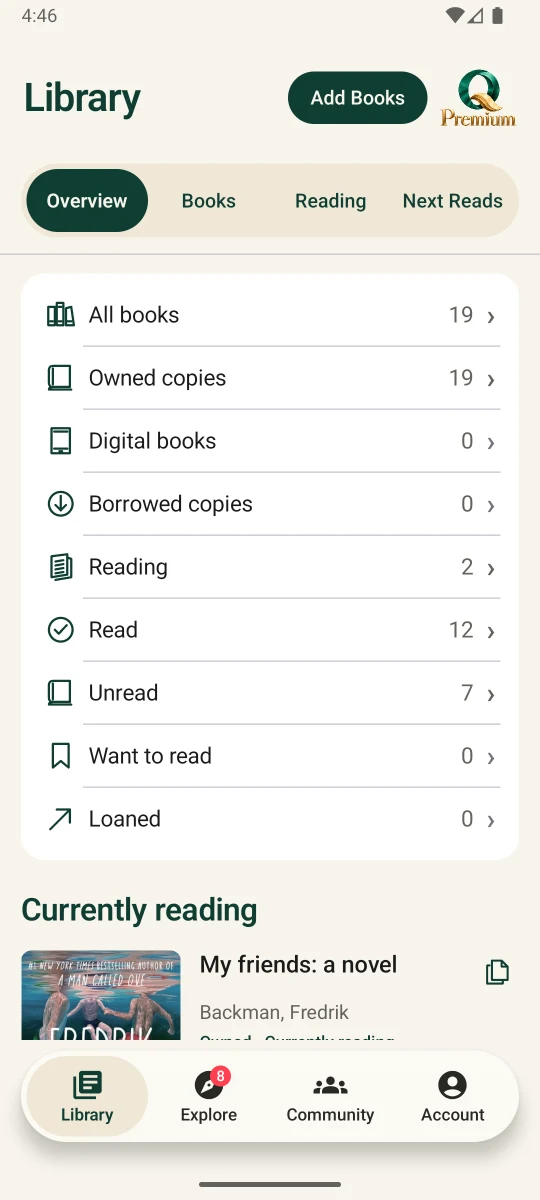
Your library at a glance
See what you own, what you’ve borrowed or lent, and what you’re reading from one overview.

Quirelo
See what you own, what you’ve borrowed or lent, and what you’re reading from one overview.
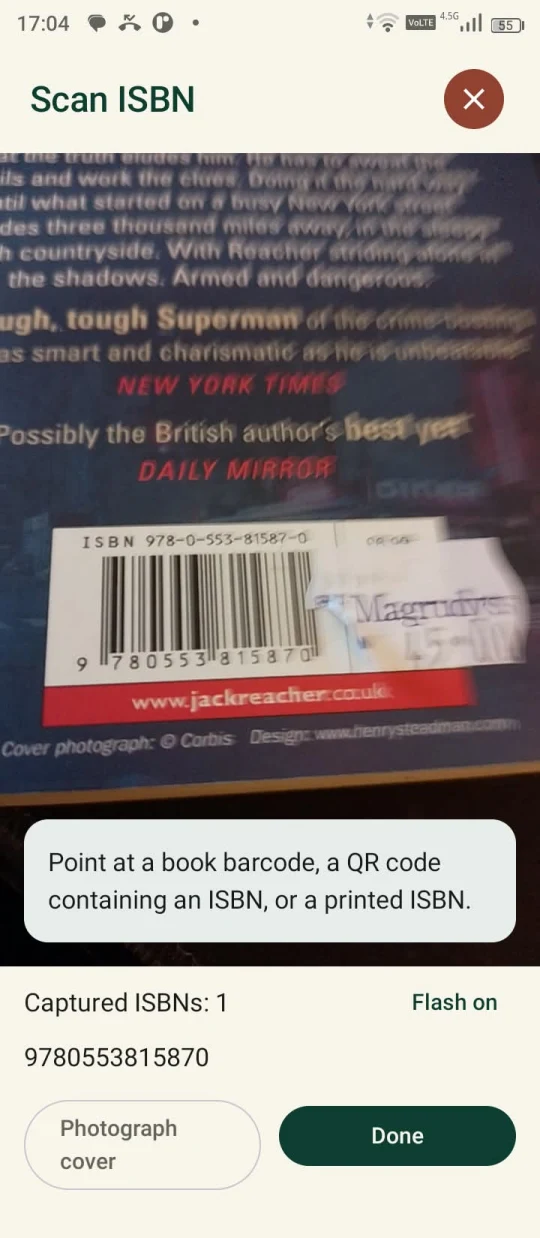
Point your camera at a barcode, an ISBN QR code or a printed ISBN. Scan several books before closing the camera.
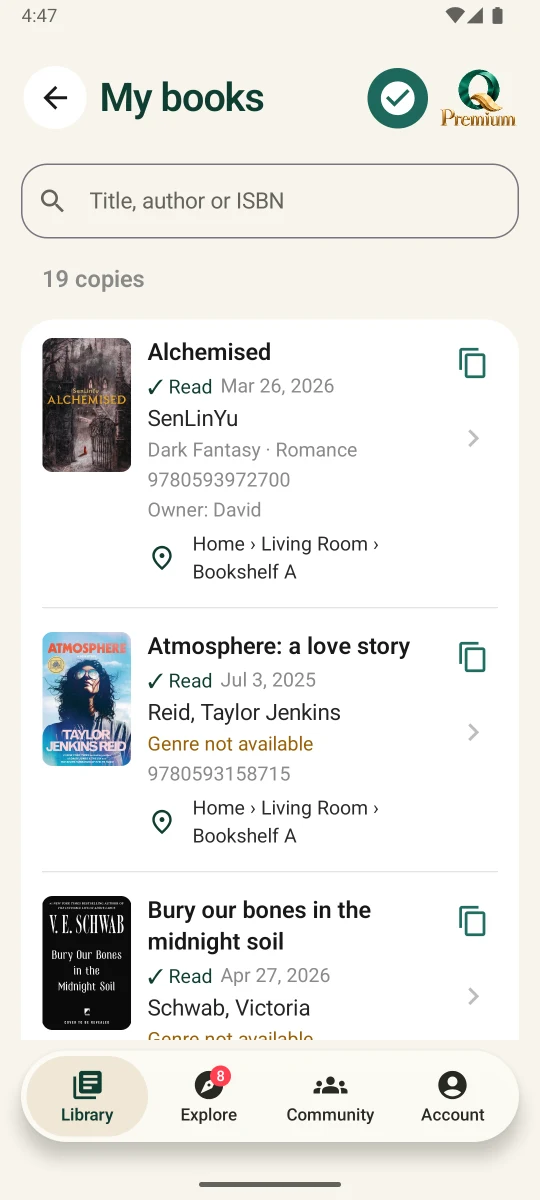
Search by title, author or ISBN. See who owns a copy and where you shelved it.
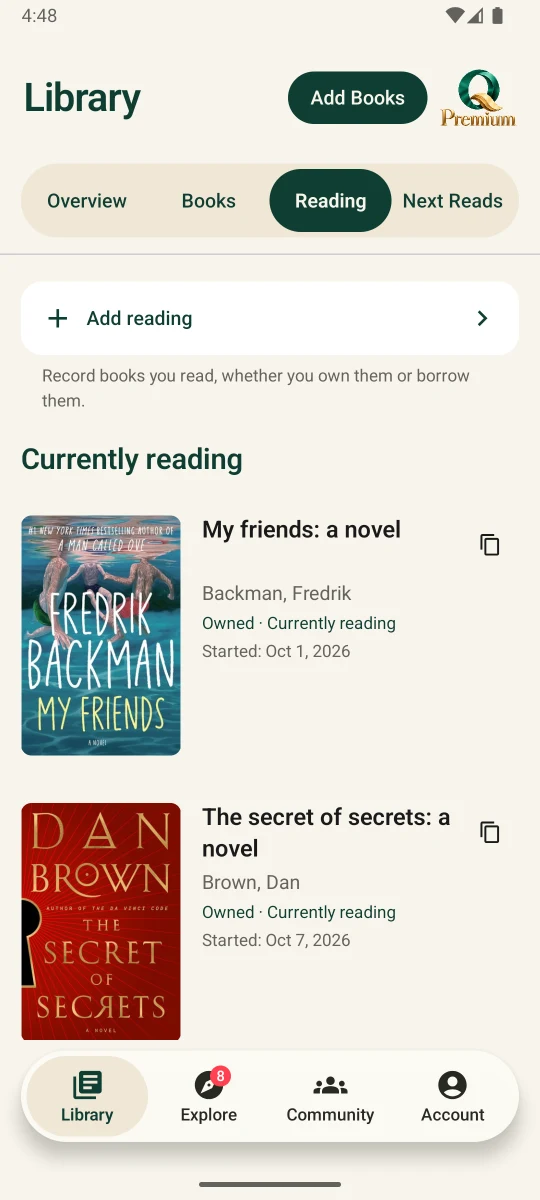
See what you’re reading and when you started. You can log books you’ve borrowed as well as books you own.
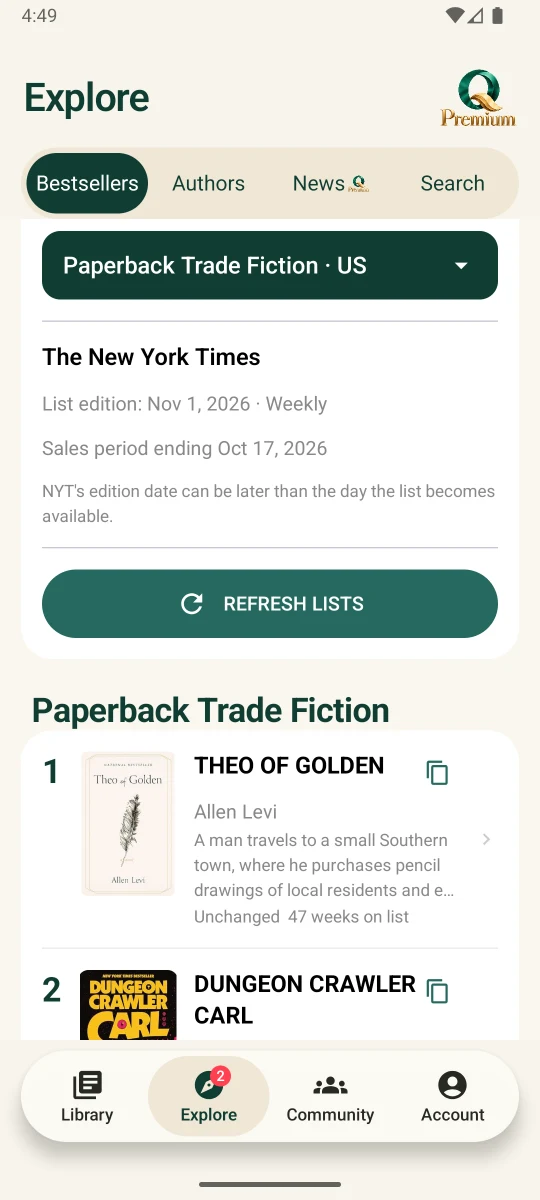
Explore ranked books by market and category, with the list source and edition date in view.
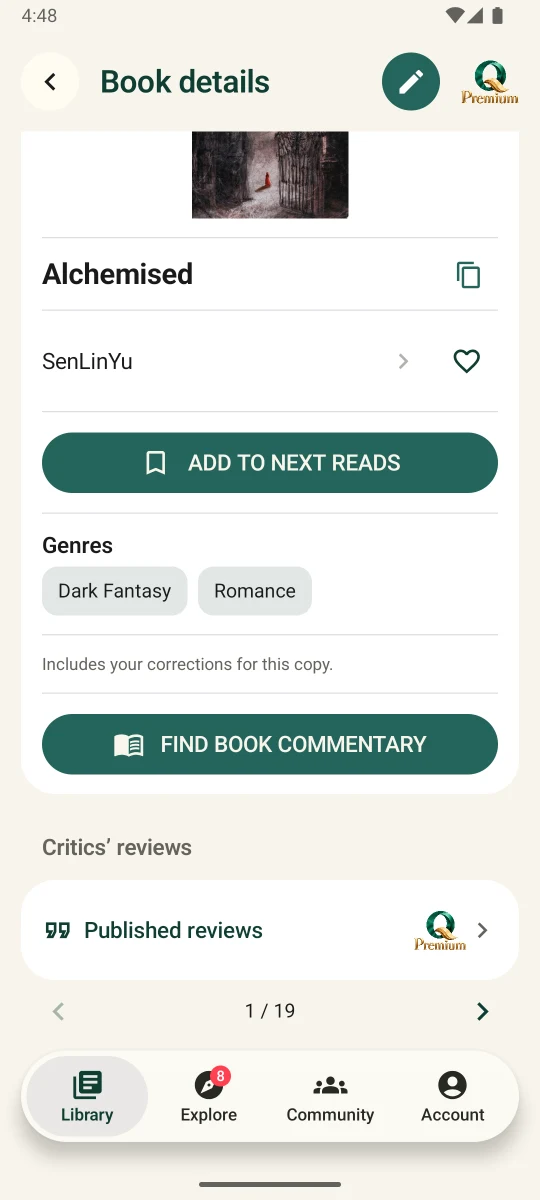
Open a book to browse its details and genres, then save it to Next Reads when it catches your eye.
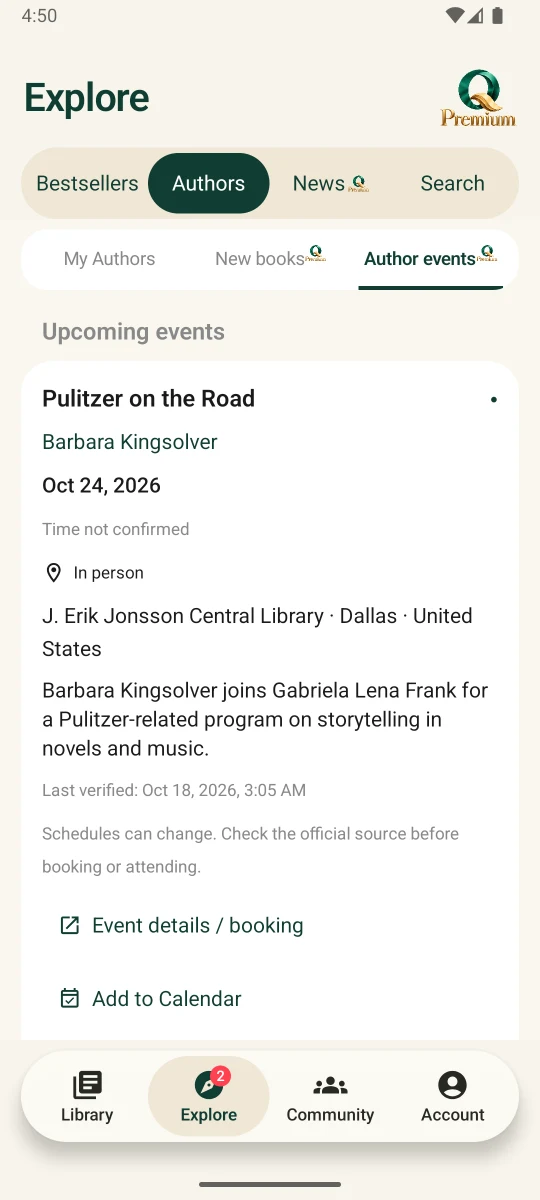
Find upcoming author events, check the event details and add a date to your calendar.
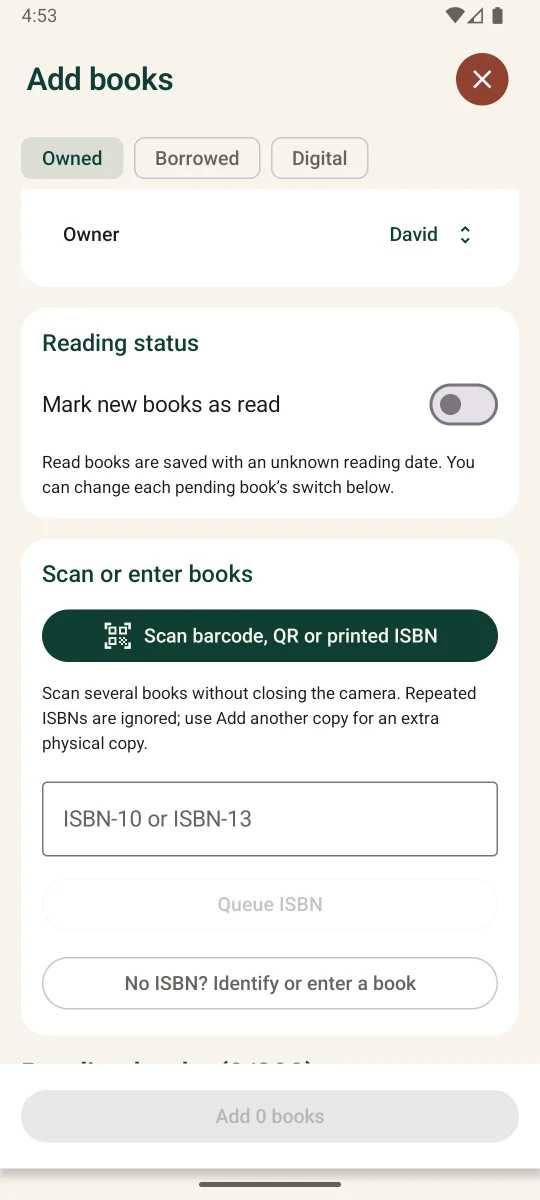
Scan books one after another, review the queued entries, then add them to your library together.